
PRODUCT | SUBMISSION
User-friendly submission
1. Landing page
Welcome your participants on an informative landing page that you can customize with the following elements:
-
Logo (on the landing page and throughout the tool)
-
Welcome text
-
PDF download
-
Registration and login
-
Mandatory cookie notice
Participants log in or register on this page using their email address and password. Optionally, the registration form can be embedded on your award website.
2. Registration form
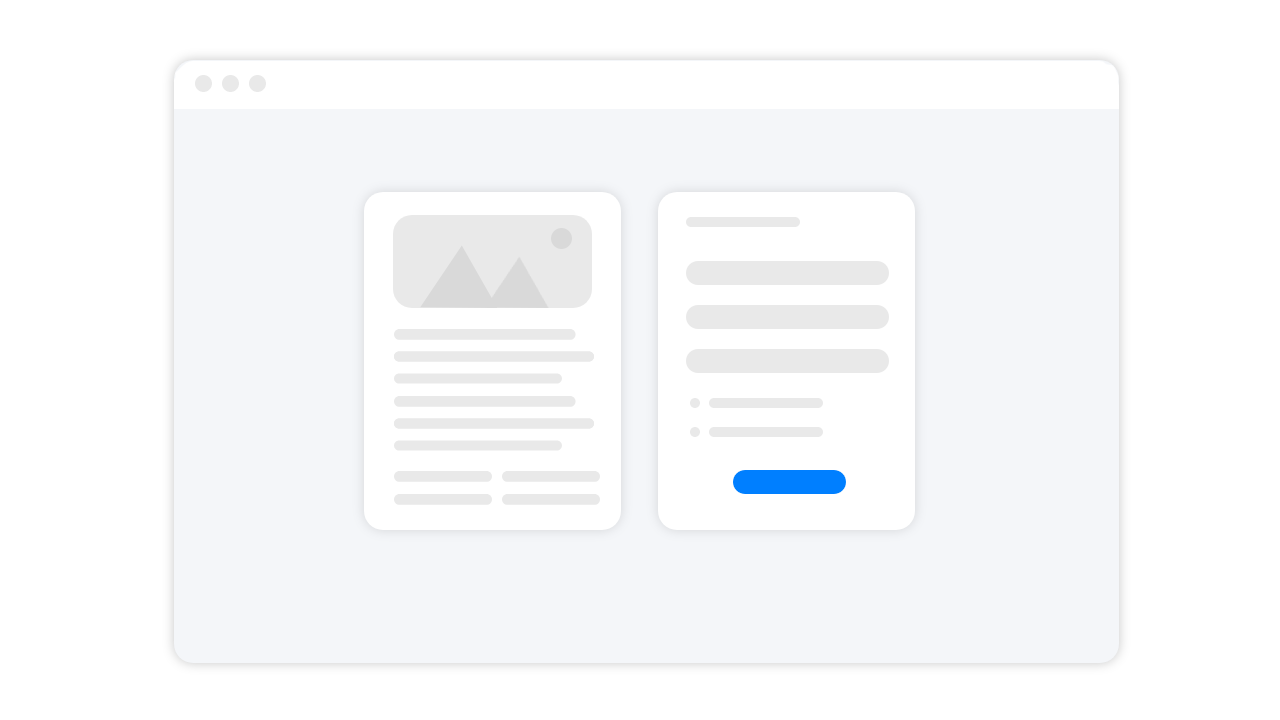
After entering their email address and password, your applicants receive a registration confirmation by email. The text of the confirmation email can be fully customized. Clicking the confirmation link takes applicants to the registration form, where they enter the requested information.
3. Dashboard
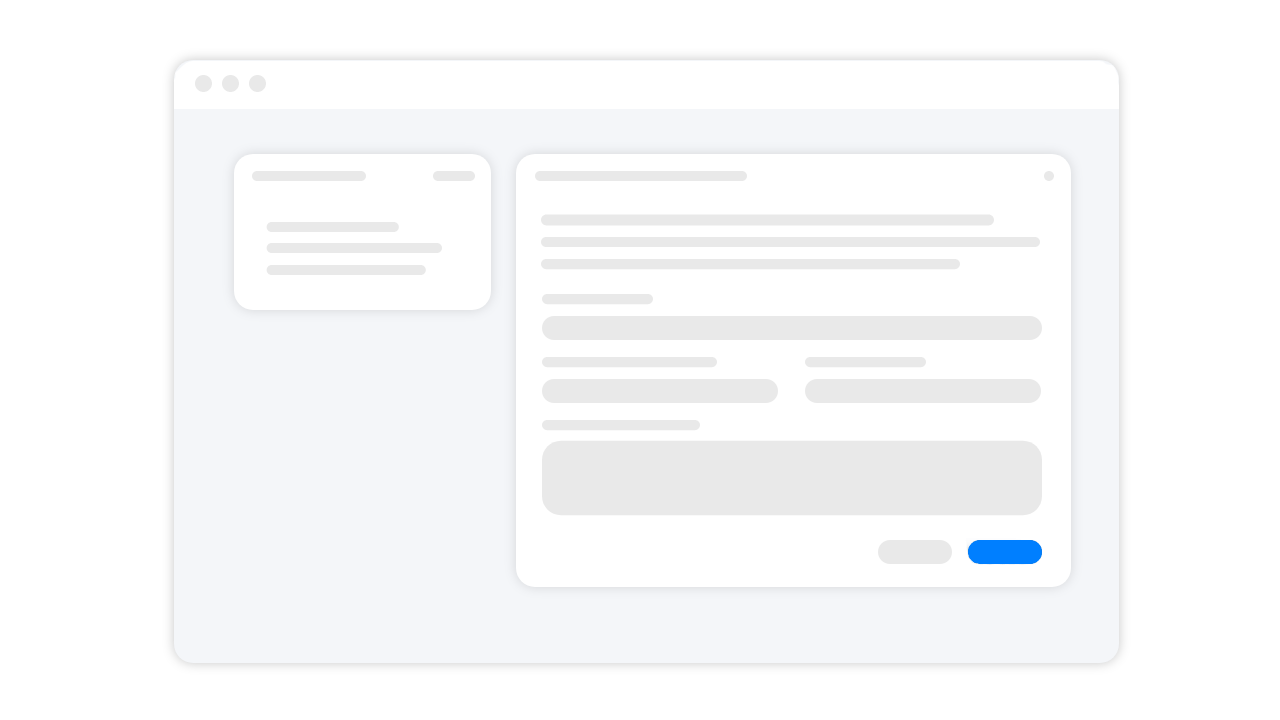
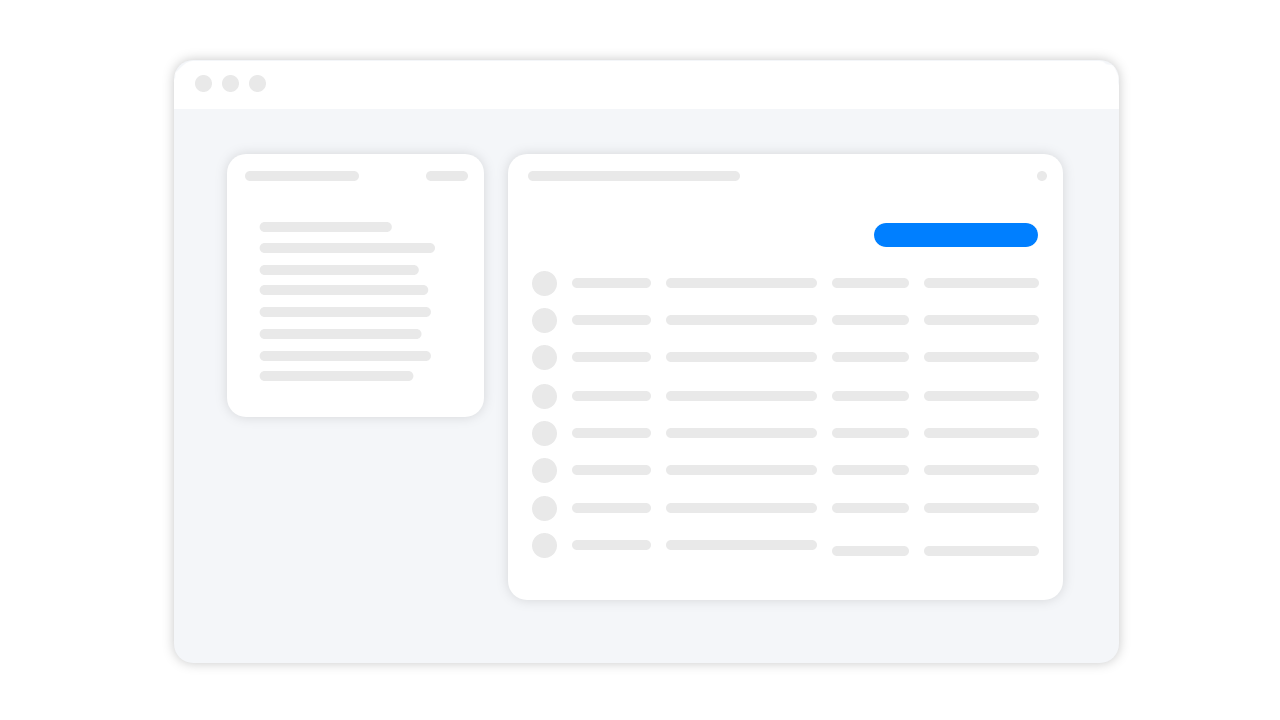
Once registered, participants can create entries in their personal dashboard and manage them with ease.
-
Logo and award name
-
Award information
-
Edit profile
-
Create new submission
-
Overview
-
Countdown to the submission deadline
-
Number of drafts, submissions, total
-
Project details: title, submission code, status, last modified, created, files
Optionally, projects can be duplicated when forms are identical, and submitted projects can be edited.
4. Form entry
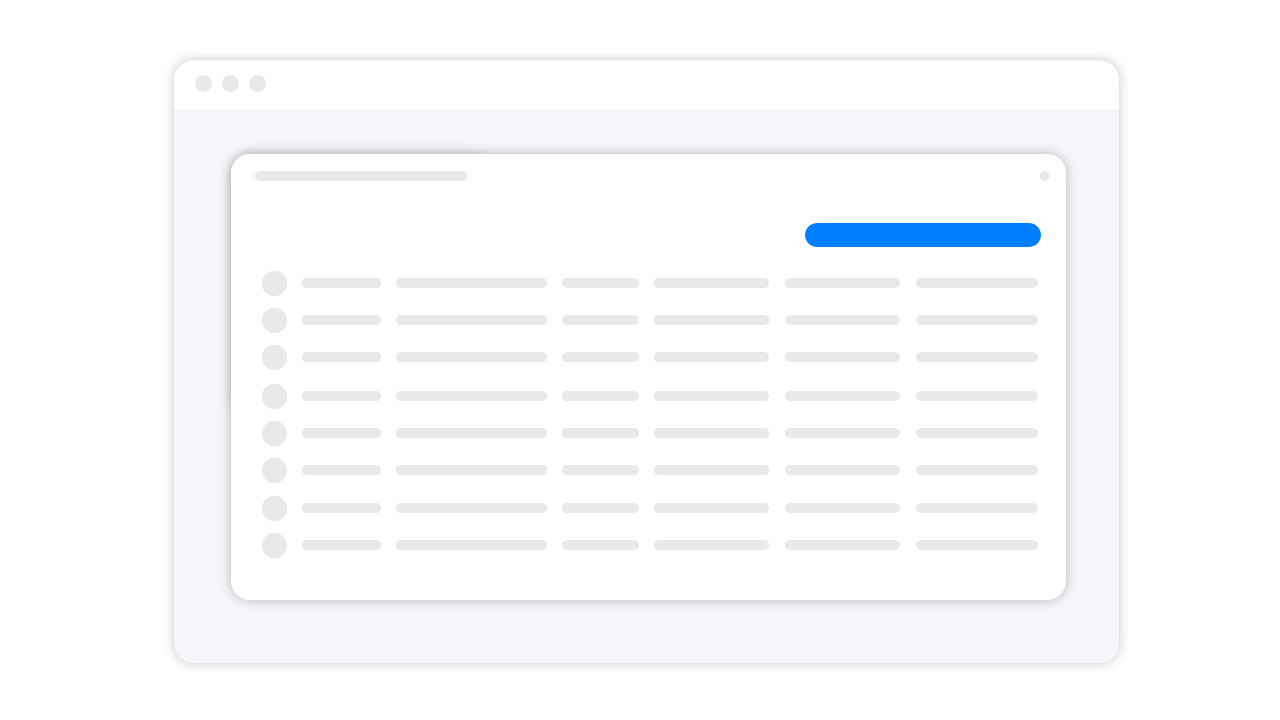
Entrants fill in the form fields. They can save their progress at any time and navigate freely between the individual form steps – so they can leave the system and pick up where they left off whenever they like.
Entrants can select multiple categories if the required forms are identical.
5. File upload
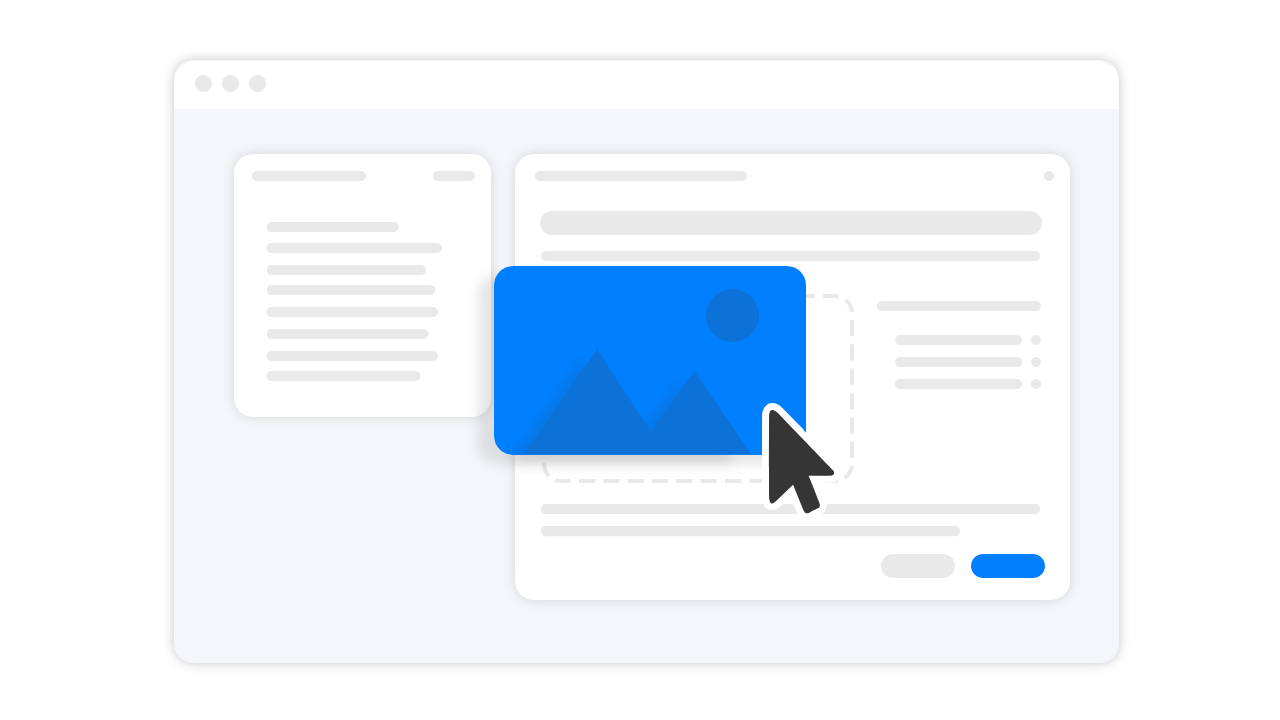
Our in-house file uploader alpha-up!, developed and proven over many years, has already uploaded hundreds of thousands of files into our system. alpha-up! accepts all common file formats with unlimited file size, stores them on our secure servers and converts them into web-optimized HD formats so they display perfectly in our interfaces.
6. Submit
As an organizer, you decide whether submitted projects are locked for editing or can be edited until the end of the submission period. After a successful submission, a custom message can be displayed (e.g. congratulations on the successful submission, information on next steps, etc.). Applicants also receive an automated, personalized confirmation email.