
PRODUCT | MANAGEMENT
Time-saving management
1. Dashboard
As an administrator, you can view and manage registered users and created projects in the admin dashboard. Filter projects by category and status and find them quickly with full-text search. See at a glance how many submissions, drafts and projects have been created in total. You also see project details such as title, submission code, status, last modified, created and files.
2. Detail view
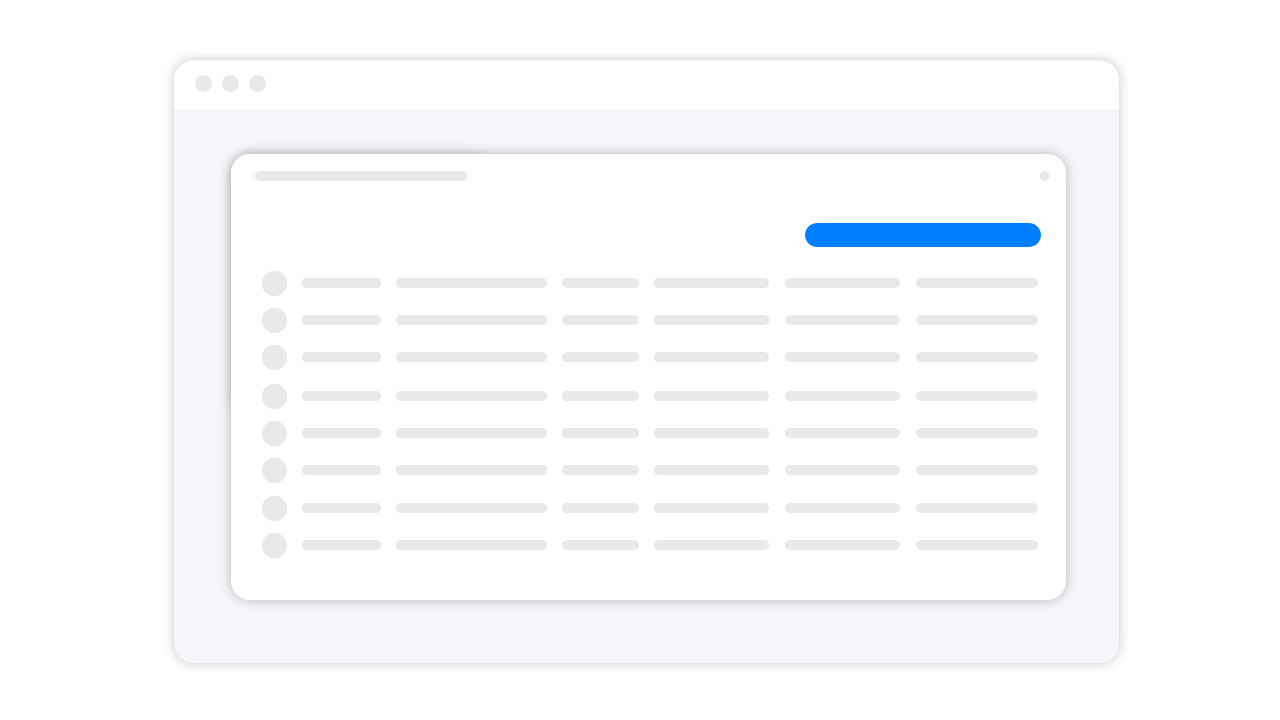
Click on a project to open the detail view, where you can view and edit the selected project. You can edit texts, delete and add files, and change the project status.
3. Data export
You can export all data entered in the submissions at any time in XLS or CSV format for further use. The first sheet contains all submissions with the associated profile data; the following sheets contain the form data for each category. Uploaded files are provided to you via Dropbox after the submission phase closes.